
St. Louis County Court Calendars Explained
Need a St. Louis County court calendar? Start with the statewide Missouri Case.net service. It lists scheduled hearings and trials by date. The Case Header and Docket Entries fill in the procedural story around each setting. One caution applies. A listed date proves neither that the hearing happened nor that the case is over.
The 21st Judicial Circuit covers many divisions. They include circuit, associate, traffic, family, probate, treatment, and municipal divisions. Where does a St. Louis County court date sit? It may fall under a county division. Or it may sit on a city court's own session calendar, depending on the case. A circuit setting usually follows the county division's page and notice. A municipal setting leans on that city court's calendar and administrator. The two can conflict. Then the notice and the assigned court's instructions win over any general calendar listing.
Note: Check before you rely on a calendar entry. Copy the case number, division, date, time, and appearance method from any St. Louis County court calendar listing.
St. Louis County Scheduled Court Dates
Case.net offers a separate path for upcoming settings. The official Track This Case public guide calls it the Scheduled Hearings & Trials Search. A case number is the cleanest starting point. Add the date and St. Louis County location to narrow things down. No number handy? A litigant-name or filing-date search still gets you to the Case Header. There you can read the setting and docket entries side by side.
Treat a scheduled-hearings result as a planning tool rather than official notice. The county itself cautions that Track This Case alerts are not official notices. Hold onto the court's paper or electronic notice. Then compare it against the current St. Louis County court date in Case.net. Also check the assigned division's instruction page.
Finding Your Court Date
A St. Louis County court date deserves more than one check. Case.net gives you the statewide index, the court or municipal division explains the current setting instructions, and clerk services step in when a document or local calendar leaves the question open. These public routes cover both county and municipal cases.
- Search Missouri Case.net by case number, name, filing date, or the scheduled-hearings option, then open the Case Header and visible Docket Entries.
- Read the assigned judge or division page and the hearing notice for the room, appearance method, and any WebEx instruction tied to that St. Louis County court date.
- Call the Office of the Circuit Clerk at 314-615-8029 when the case needs a clerk check, a paper-file question, or confirmation of the responsible division.
- Ask at the circuit clerk counter or request a courthouse public-access terminal when an electronic public document or the docket context is not available remotely.
- For a municipal case, use the municipal court's own calendar or clerk because city facilities publish their local session instructions and payment routes.
- For satellite access, confirm service first with the county before using the St. Ann location, which has been described as having public computer kiosks linked to the main courthouse.
Case.net, the clerk, a courthouse terminal, the St. Ann satellite, and a municipal clerk each do a different job. A St. Louis County court date search can start online. Still, the surest confirmation often comes from the division that issued the notice.
St. Louis County Court Date Notices
How you appear is built into the setting itself. Under Division 43's hearing instructions, St. Louis County hearings default to in person unless the court approves something else, and each notice must state whether the proceeding happens in person or by WebEx. Need a computer? The courthouse offers public machines with video capability for that purpose. Traffic settings work differently. Division 47 lists the phone contact and WebEx details those cases use. The official Division 43 page shows why a St. Louis County court date notice carries weight.
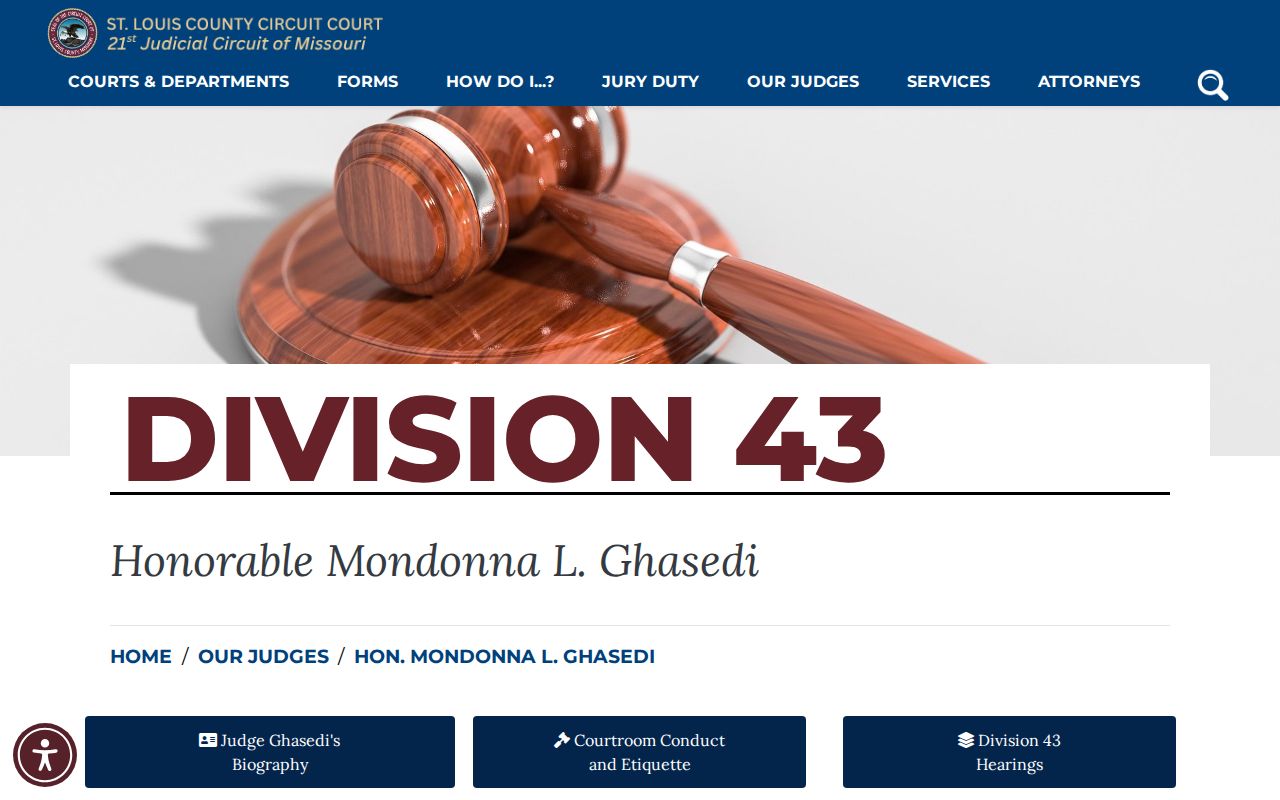
A case calendar won't always spell out where to go or how to appear, but a division page fills in those gaps. It's worth another look shortly before your St. Louis County hearing.
How to Read a Court Setting
A St. Louis County court setting is more than a day on a calendar. It's a list of fields. You may see a judge, a commissioner, a division, a courtroom, or a remote method. Each field points you toward the right way to appear. Local forms carry labels. Think call docket, dismissal docket, motion hearing, pretrial, settlement, bench trial, and jury trial. Treat those labels as a description of the event. They tell you what kind of hearing it is, not how it will turn out.
| Date | The listed calendar day. Check whether the entry is a future setting, a continued date, a vacated event, or a completed event. |
|---|---|
| Time | The scheduled time or docket-call time. A docket call and an individual hearing time are not necessarily the same thing. |
| Courtroom | The room, building, city facility, or remote-access instruction associated with the assigned division. |
| Judge or division | The judicial division, judge, or commissioner context used to locate the relevant instruction page. |
| Setting type | The event label, such as motion hearing, pretrial, trial, call docket, or dismissal docket. |
Read the setting next to the notice itself. St. Louis County court dates shift, and the docket history can list an earlier date along with the new one.
St. Louis County Court Setting Labels
St. Louis County uses a handful of setting labels that appear on the civil order and memo form. Each label points to the next task in a case, not to how that case ends. To read one correctly, weigh the entry text, the division handling the matter, and any formal notice the clerk has mailed.
- Call docket
- A scheduled call or status setting where cases are called for a procedural action or next date.
- Dismissal docket
- A setting that addresses possible dismissal or records dismissal action; it is not the same as a trial date.
- Setting
- A scheduled event such as a motion, pretrial, trial, review, or appearance before the court.
- Continued
- A setting moved to a later date. Read the old and new entries with the notice.
- Vacated
- An event canceled or set aside. It does not mean the event was held or that the case was dismissed.
Knowing these labels makes a St. Louis County court date far less confusing. That matters most when one case has stacked up several events in its docket history.
Continuances, Resets, and Cancellations
St. Louis County court dates move all the time. A setting can be continued, reset, vacated, or dropped from the docket entirely. Sometimes the docket keeps the old line and adds a newer one. Never assume the earliest entry controls. Read the most recent entry, then match it against your notice and the division page. If the calendar no longer lists an event, ask the clerk or the court directly whether it was moved, removed, or switched to a remote appearance.
Municipal rules vary widely here. Maryland Heights Municipal Court instructs people to appear unless a continuance has actually been confirmed. University City goes further. It states that no continuance is granted on the day of court. Neither rule applies countywide. Together they show why guessing about a reset in any St. Louis County court docket can go badly wrong.
St. Louis County Court Date Changes
Notice something that conflicts with an earlier notice about a St. Louis County court date? Start with the case number and division. Pull the newest docket entry, the current notice, and the court's instruction page, and compare them. A setting may be marked continued or vacated, or it may have shifted from an in-person hearing to a remote one. A missing calendar line is not a dismissal. A listed hearing is not proof it actually happened.
One more caution is worth keeping in mind. The county's municipal-court system outage notice explains what can happen when the system that holds court records and calendar data goes dark, so write down the date and source of anything you print or save.
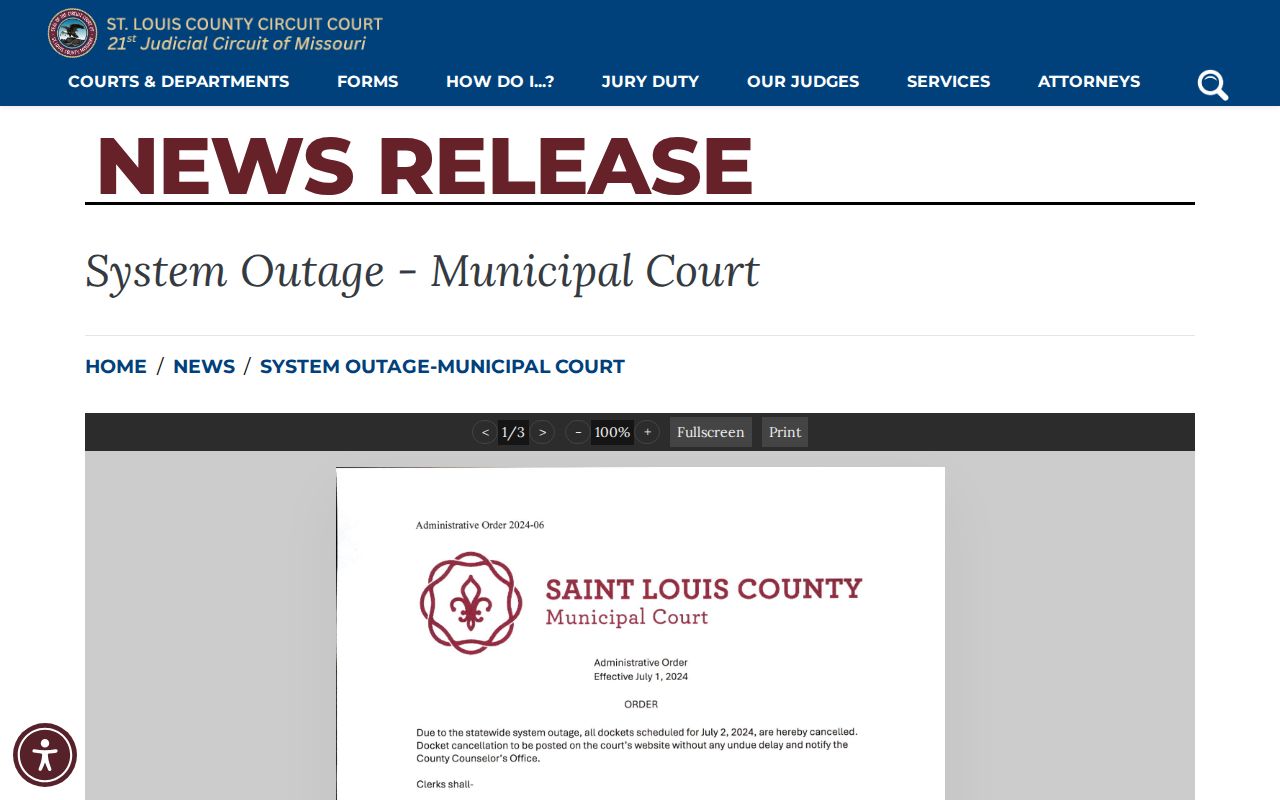
When a system is down, it is a technical failure. It is not proof that a St. Louis County court date or case is absent.
St. Louis County University City Calendars
Municipal calendars in St. Louis County speak their own language. The University City Court Dates calendar sorts sessions into TRAFFIC COURT, TRIAL COURT, HOUSING COURT, and NON-TRAFFIC COURT. Month, year, list, and month-view controls help you browse. Those labels help you find a session fast. They do not give you the full Case.net docket register for a specific case. So treat the category as a starting point rather than a case lookup in itself.
That public calendar is a good example. It shows how a municipal court organizes St. Louis County court dates by session type.
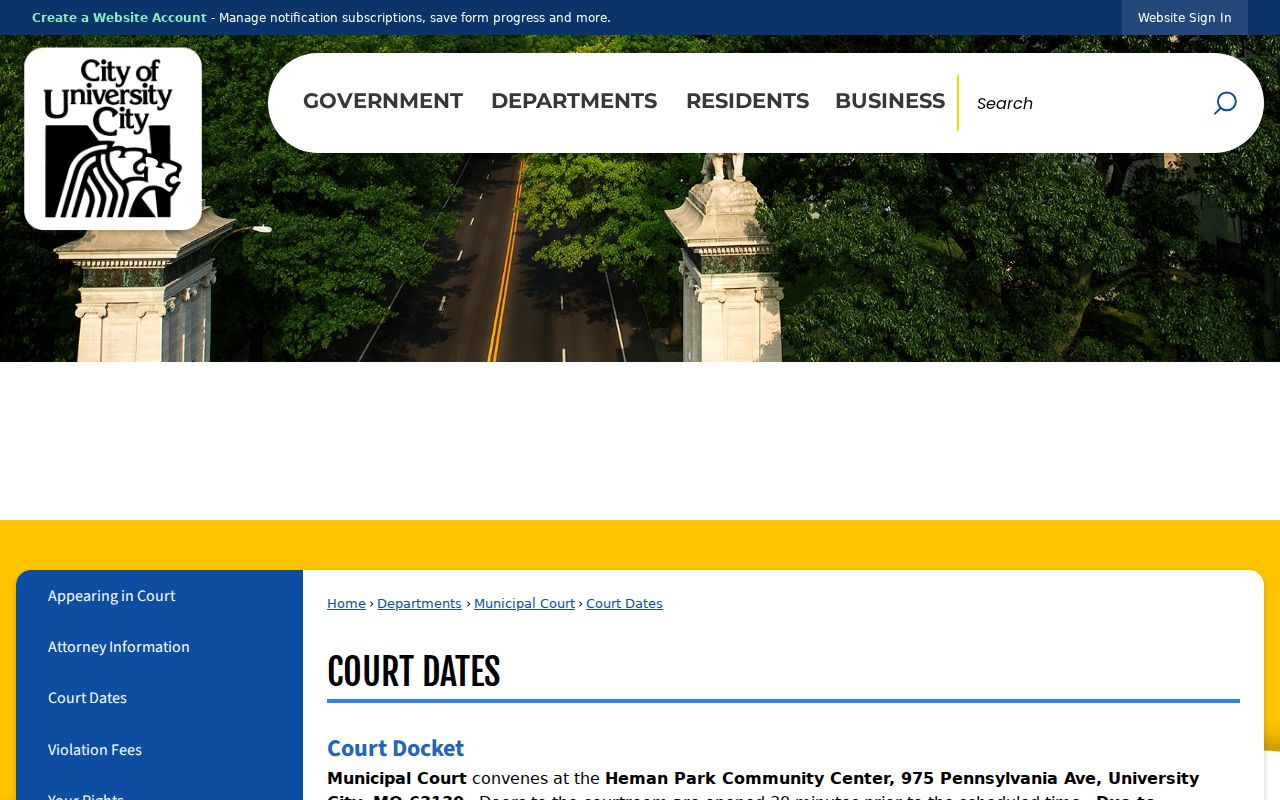
Use the city calendar to learn what session is sitting and when. Then confirm the specific court setting with the case number and the clerk's instructions.
St. Louis County Court Date Terminals
A public calendar and a public electronic file are different doors. Missouri's eFiling public-terminal instructions let public users visit the local courthouse and ask for access to a terminal. That terminal opens electronic case records. The county also lists the St. Ann satellite at 715 Northwest Plaza Drive. The kiosks there link to the main courthouse. Bailiff help covers listed remote proceedings.
Call ahead before you drive anywhere. The satellite notice does not promise every document, division, or St. Louis County court date service on each visit. A sealed document can stay off limits. The docket header may still be visible on the screen even then.
If You Miss a Court Setting
Miss a St. Louis County court setting? Act quickly, and act on your specific case. Check the newest Case.net entry and formal notice first. Then call the responsible clerk or municipal court for current status and appearance instructions. A criminal or traffic docket can pick up failure-to-appear, warrant, and bond-forfeiture entries after a missed date, so never guess the next step from a calendar screen alone. A lawyer can advise on the facts and deadlines in your matter.
Missed a Setting? A missed St. Louis County court date can lead to an FTA entry and may be paired with warrant or bond-forfeiture action in the docket.
Use the case number to contact the clerk or the municipal court promptly and ask for the current setting or status.
Keep the official notice and seek legal advice about an unaddressed missed setting before appearing.
St. Louis County Calendar Outage Checks
St. Louis County logged a municipal-court system outage in July 2024. That single event sets no permanent calendar rule. Still, it teaches a smart habit for any St. Louis County court date search. Write down when you viewed the result. Keep the case number. And ask the clerk or the current court page for live confirmation whenever a system is down. A dynamic calendar can shift after you print it or save it.
For a future setting, a fresh division instruction or a reply from the municipal clerk beats any old saved copy. That matters most when a city session schedule, remote instructions, or a capacity notice has changed.
St. Louis County Court Date Arrival
Heading to an in-person St. Louis County court date? Verify the location on the notice before you leave the house. The county courthouse access page covers the Courts Building at 105 South Central Avenue in Clayton, plus the Shaw Park Drive Garage and Transit Center at 232 South Meramec Avenue. The security checkpoint sits at the main entrance. The page also notes that recording inside a courtroom needs the judge's authorization.
None of that replaces your setting notice. The Justice Center, a Clayton courtroom, a municipal facility, and a remote appearance each call for a different St. Louis County court date plan.