
How to Search Cases by Name
No case number? Search by name. Open Missouri Case.net and narrow the results to St. Louis County or the municipal division you need, since the independent City of St. Louis is a separate court that trip-ups happen with. Type the surname first, then the first name. When the list runs long, filter it down with a filing-date range, a case category, a location, or a co-party you recognize so the correct public case stands out from the rest.
- Choose the litigant-name path in Case.net and enter the name as accurately as possible.
- Use the court location, St. Louis County context, case category, or filing date to reduce a broad result set.
- Open the case number for the Case Header, then compare the case style, filing date, court, and party role before reading the docket.
- Open visible Docket Entries and settings, then check the division page or notice when a current hearing detail is needed.
Some people never show up in a public name search. Victims, witnesses, children, protected parties, and certain protection-order subjects are often shielded. So a missing name result proves nothing about whether the case exists. Do you have the case number? Use that instead of guessing. Then you will know which stranger behind a matching name is the one you want.
St. Louis County Case Search Routes
Four entry routes exist. The official Case.net public guide lists them: Litigant Name Search, Filing Date Search, Case Number Search, and Scheduled Hearings & Trials Search. The live portal blocks anonymous access at the field level, so the exact controls a browser session displays can differ. Treat the field inventory that follows as the confirmed options, not a guarantee of what every visit will show.
| Field or route | Type | Required | St. Louis County use |
|---|---|---|---|
| Litigant or party name | Text search | For name route | Start with surname and first name, then narrow by location or category. |
| Filing date range | Date search | No | Use a narrow time window when the number is unknown. |
| Case number or citation | Number search | For number route | The most precise path for a known St. Louis County case. |
| Scheduled hearing or trial | Date-based route | No | Useful for date work, but not a complete docket or proof a hearing occurred. |
| Track This Case destination | Email or text alert | After verification | An alert aid only, not an official court notice. |
Pick the search route on St. Louis County Case.net that fits what you already know about the case. A case number takes you straight to the court docket. When you only have a name, a narrow filing period sorts out common ones, and a scheduled-hearings search finds a court date.
How to Search by Case Number
Type the full case number exactly as written, every character. Missouri's record rule lays out the pattern. Legacy numbers start with a two-digit year, then a two-letter case type, then a sequence. Newer ones add a location identifier, category, sequence, and subcase. The abstract legacy pattern YY-XX-Sequence is a format key only. It is not a St. Louis County case number you can reuse. Traffic and civil infractions may carry a nine-digit uniform citation number instead.
Once the result opens, confirm the case style, filing date, court or location, and category before you rely on it. A number can tell a circuit matter from a municipal one. Yet the city municipal clerk may still hold the local session instructions. If the number returns nothing visible, recheck every character. Try the citation route if it fits. Then ask the responsible clerk. Ask whether the record is confidential, paper-only, offsite, newly filed, or restricted.
St. Louis County Case Number Formats
Where does the numbering come from? Operating Rule 4 sets the statewide framework behind a St. Louis County case lookup. It covers uniform record keeping, automation, case numbering, and the automated public index. Case-type letters and a citation number help you tell a criminal, traffic, civil, or municipal search apart. Still, read any visible label alongside the Case Header. Do not treat the code alone as the whole story. The official Missouri Operating Rule 4 records the statewide framework behind the public index.
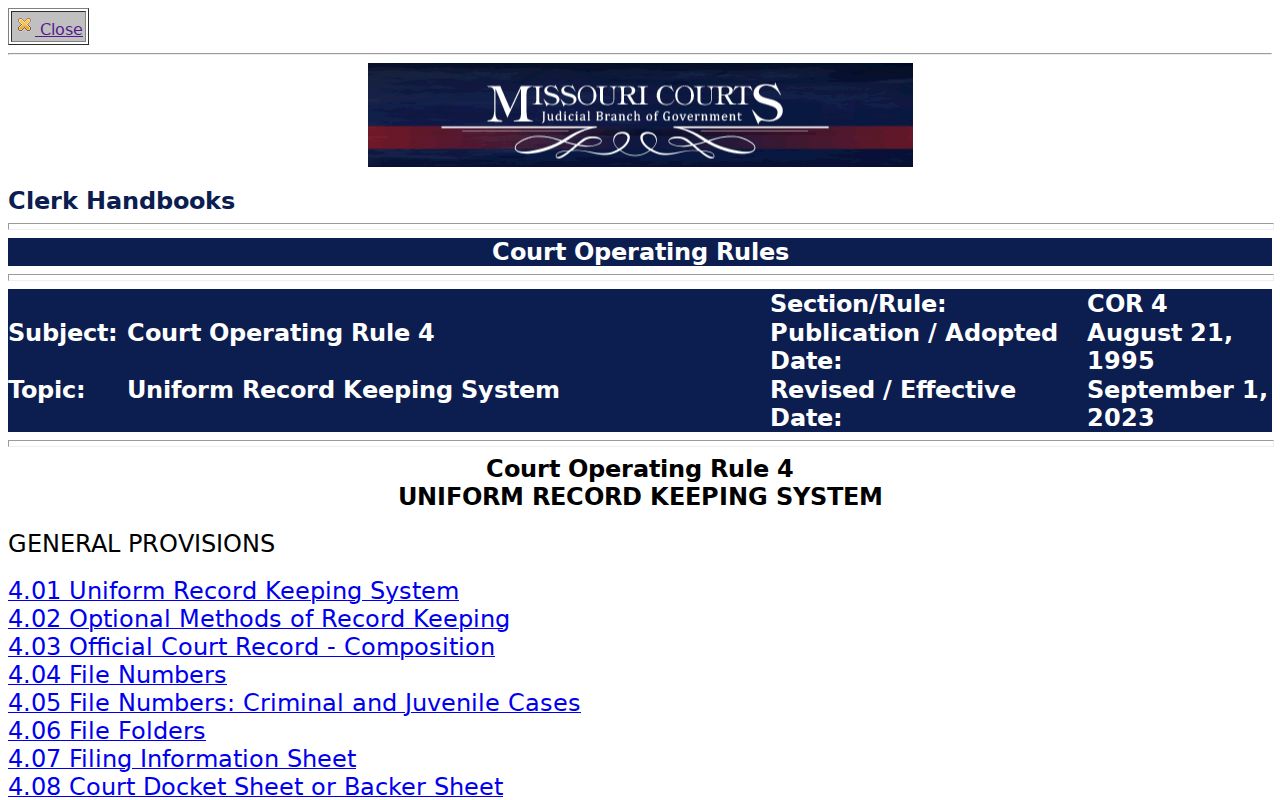
Treat the format as a finding tool, nothing more. Codes locate and verify the right case. The docket entries, the court location, and the clerk's instructions supply the context a code cannot show by itself.
St. Louis County Case Header Checks
Click a case number and the Case Header opens. For a St. Louis County case lookup, jot down the style, number, filing date, court or location, category, party roles, and any visible division or security context. Then move to the Docket Entries and note each entry date, description, setting information, and document hyperlink. That gives you a clean trail from search result to procedural record.
Remember that a public header may hold less than the file behind it. It can point to a division, hearing, disposition, related matter, or subcase, yet the attached document may be text-only, sealed, or unreachable remotely. Keep the fields separate as you read. A filed item is not a finding. A scheduled event is not proof it happened.
What a Case Search Shows
Case.net shows different levels of detail depending on case type and security. A St. Louis County case lookup typically starts with the case identity and then moves through the visible history of entries and settings. What you get is a public court-information view. It is not automatically a certified judgment or a complete document file.
| Case number | The identifying number, location context, category, sequence, or citation information shown for the case. |
|---|---|
| Style and parties | The case title and public party-role information, subject to protected-person and confidentiality limits. |
| Filing date and category | The date and case type that help distinguish a similar name or number from another matter. |
| Docket entries | Date-stamped procedural events, which can be text-only or linked to an accessible document. |
| Hearings and settings | Visible event type, date, time, division, location or remote method, and any displayed status. |
| Disposition or judgment | A visible outcome entry, such as dismissal, plea, order, or judgment, which is not itself a certified copy. |
Some case types display financial entries: service, bond, deposit, and payment records among them. Their absence means nothing. Do not infer that no such activity ever occurred.
St. Louis County Text-Only Case Entries
Not every docket entry comes with a clickable link. That gap tells you nothing by itself. A plain text line can mean an attachment never existed. Or the item sits behind restricted access. The official File Viewer Help page lays out those possibilities. So a public case header might sit alongside a secured document, a confidential record, or a file you can only open at a courthouse terminal.
Start with the entry date and the description. If the item matters to you, jot down its title or event date and ask the Circuit Clerk how the public is supposed to reach it. Guessing is the real hazard here. A missing file, a dead link, a sealed case, or a result still being processed can all look identical on screen, so let the clerk close the gap instead of an assumption.
County vs Statewide Case Search
Missouri Case.net is the statewide front door for a St. Louis County case lookup. The state runs it, not the county. That matters when you need more than a search result: county pages, division instructions, municipal clerks, the Circuit Clerk, and courthouse terminals carry the local layer. Turn to them for an actual document or a current setting instruction. Ask there for an answer from a city court.
| Missouri Case.net | St. Louis County court channel |
|---|---|
| Statewide public index and search routes for name, filing date, number, and scheduled hearings. | Division pages, clerk services, municipal offices, and courthouse resources tied to the local case. |
| Case Header, visible docket entries, and public settings subject to security and maintenance limits. | Current appearance instructions, paper-file help, certified-copy requests, and city session information. |
| Best first route for a known public case or a search that needs statewide context. | Best follow-up route when the result is incomplete, a document is needed, or a setting must be confirmed. |
The two layers work together rather than in competition. Case.net tells you what the case is; the right St. Louis County office answers the record or calendar question that follows.
St. Louis County ECASE File Access
An ECASE label means the whole file lives in electronic form. It does not promise remote public download. Not every document tied to a St. Louis County case lookup is reachable that way. File Viewer Help splits records into public, confidential, and secured categories. Registered attorneys may get role-based remote access. That covers public documents under the framework. Everyone else views public documents through a courthouse terminal when staff provide access.
The gap shows up when a docket header is visible. The document will not open. Treat the public index, a terminal, and the Circuit Clerk as three separate routes. Each has its own reach. Ask the clerk about the public path for a specific document or date. The electronic-file marker alone settles nothing.
St. Louis County Redacted Case Filings
Missouri eFiling sorts filings through document categories, secure-document indicators, attachments, and a Redacted Filing Information Sheet known as FREDI where protected information applies. Those mechanics explain a familiar puzzle. A St. Louis County case lookup shows a docket event, yet no attachment opens for the public. The county's online forms come with a warning of their own. Forms are not a stand-in for filing rules. They do not replace clerk procedures. The St. Louis County Courts forms index states the official boundaries on both counts.
A category or a form helps the court manage its records. It cannot lift the access limits attached to a given case document.
Restricted Cases and Access Rules
Missouri Operating Rule 4 lets the automated index answer searches by name, case number, and filing date, but there is a hard edge: confidential cases stay hidden from unauthorized users, and confidential docket sheets and indexes are never public. Juvenile matters bring their own statutory closure rules. Sealed and expunged records stay restricted too. One more caution belongs here. A related adult result must not be used to guess at a protected identity.
The state courts site hosts rule detail. Missouri's closed-records statute and expungement statute spell out restrictions that can outlast the court action itself. A Sunshine-law request does not break through a sealed docket or a security setting on an adjudicative file. If access is denied, write down the stated reason. Then ask which non-confidential docket metadata, if any, the clerk can still provide.
St. Louis County Missing Case Documents
A St. Louis County case lookup sometimes turns up a reference to a paper that you cannot pull up yourself. That is the moment to contact the Circuit Clerk. The Circuit Clerk copy-request instructions spell out what to include: the case number if you have it, the names and roles of the parties, the copy type you want, and whether you need the whole file or a single document. Give an approximate filing, judgment, or dissolution date too. It also pays to ask. Does the file sit in paper only, offsite, under seal, or at a terminal in the clerk's office?
Offsite records take time. The county's own copy-request instructions estimate three working days to retrieve one. A certified or authenticated copy comes from the clerk, and it is a different thing from what a public Case.net screen shows. Name the document and the date precisely. That way your request lands on the right court file.
St. Louis County Case Search Follow-Up
Finding the case in a St. Louis County case lookup is rarely the last step. The 21st Judicial Circuit rules page gathers the local rules in one place, while the clerk and the assigned division handle whatever is specific to your court record. The follow-up matters most when the docket entry shows a setting, a text-only line, or a municipal location with too little detail to act on safely.
A case lookup tells you what is public. For anything firmer, the current notice, the division's instructions, and the clerk's answer give you the next real step in that St. Louis County case.